
On all digital products · Ends Nov 30, 2026 8:16 PM
Shop now
Search for almost any product or service in Benin City, and the results are still dominated by directory sites like Businesslist and Finelib, not Google Maps listings. That gap is an opportunity. Getting your business properly onto Google puts you ahead of most competitors in the city who have not bothered yet, whether you are on Sapele Road, in GRA, along Airport Road, or tucked into a side street off Ring Road.
Here is exactly how to do it, with the details specific to operating in Benin City.
Before creating anything new, check whether your business already exists on Google Maps. Search for your exact business name, and if you operate from a well-known area like Ugbowo, Uselu, or New Benin Market, include that in the search too. Sometimes a listing already exists because a customer or a data aggregator added it automatically, and claims that the existing listing is faster than starting from scratch.
If nothing comes up, you are starting fresh, which is fine.
Sign in with a Google account tied to the business, not a personal one you might lose access to later. Enter your business name exactly as it appears on your signage, receipts, or storefront. Adding extra descriptive words to try to rank higher is against Google's rules and can get a new listing suspended before it goes live.
Choose your category carefully. If you run a provision store, pick that specifically rather than a broad "retail" category, since the more precise category is what connects you to the exact searches your customers are typing.
If customers walk into your shop, enter your address exactly as someone would write it on an envelope, down to the specific road and nearest landmark, since many Benin City addresses rely on landmarks like "opposite" or "behind" a well-known building rather than a formal street number.
If you provide services at your customers' locations instead, such as a generator technician, event planner, or mobile hairdresser, use the service area option and define the parts of the city and surrounding areas you actually cover. Being honest and specific about your coverage, rather than listing the whole city vaguely, helps Google match you to nearby searches more accurately.
Use a phone number with the local area code that you actually answer during business hours. Set your hours precisely, including days you close early or are shut entirely, since an inaccurate listing sends frustrated customers straight to a competitor.
Use your 750 characters to describe what you actually do and who you serve, mentioning the city and, where relevant, the specific area you are known in. A caterer known for events around GRA and Ugbor should say so directly, rather than writing generic lines like "quality service guaranteed" that could describe any business anywhere in the country.
Verification confirms to Google that your business is real and located where you say it is. Video verification has become the default method for most new listings, and it works well for Benin City businesses as long as the recording clearly shows your storefront or work area, your team actively working, and something tying your identity to the business, like a receipt book or registration document.
Record during business hours when your shop is open and active, since an empty space is harder for Google's reviewers to confidently approve. If your submission gets rejected, review the feedback and resubmit rather than giving up on the process.
Once approved, add real photos of your shop, your products, and your team. Businesses with a healthy library of current photos consistently perform better than those with just a couple of images uploaded at setup. Post updates occasionally and respond to any reviews you receive.
A listing you set up once and never touch again will slowly lose ground to competitors in the city who keep theirs active.
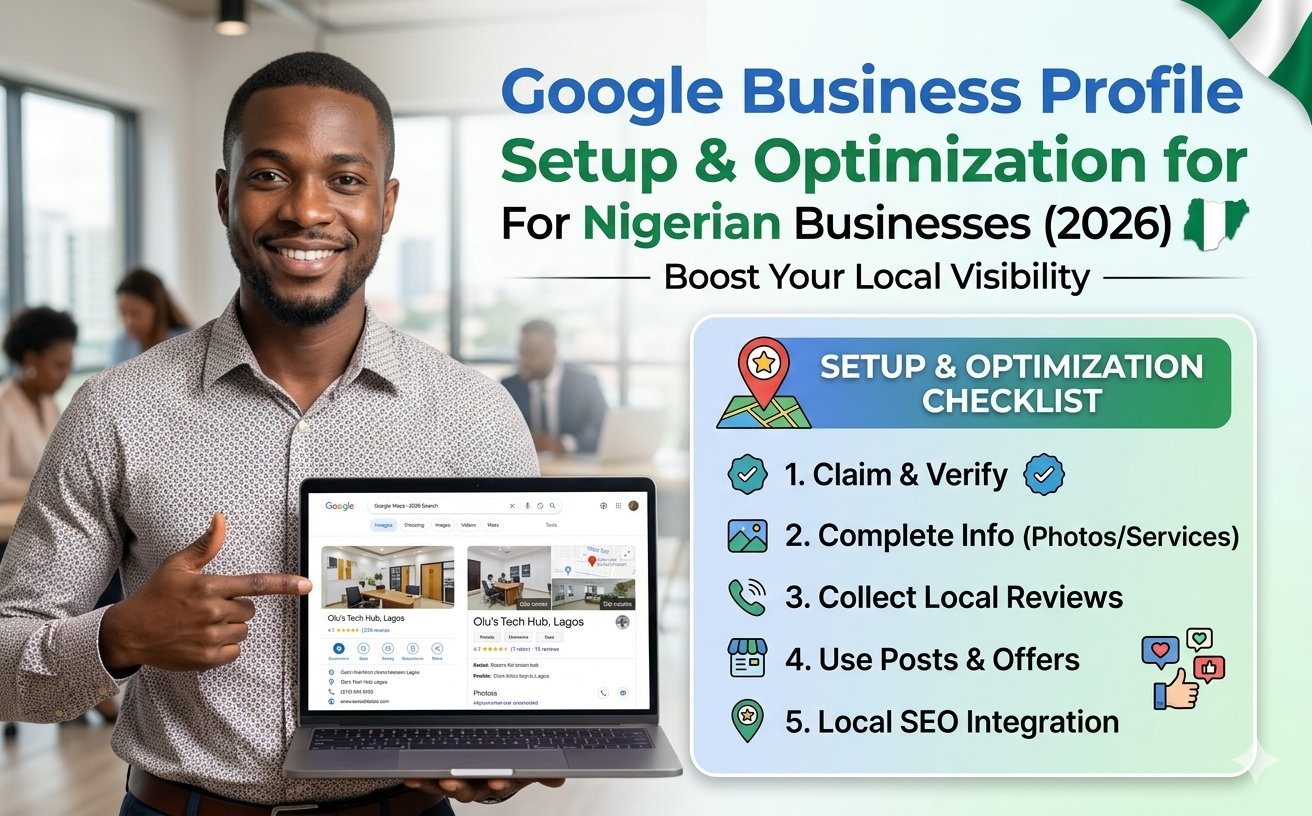
Setting this up correctly the first time, especially the verification step, saves weeks of back-and-forth if something goes wrong. Helpblogger handles full Google Business Profile setup and optimization for Benin City and Edo State businesses for a fixed ₦30,000, delivered within 7 days.
Get your business set up on Google properly.
Meta: A step-by-step guide to adding your business to Google Maps and Search if you operate in Benin City, Edo State, including verification tips.




Explore our services and get started today.
Browse Services