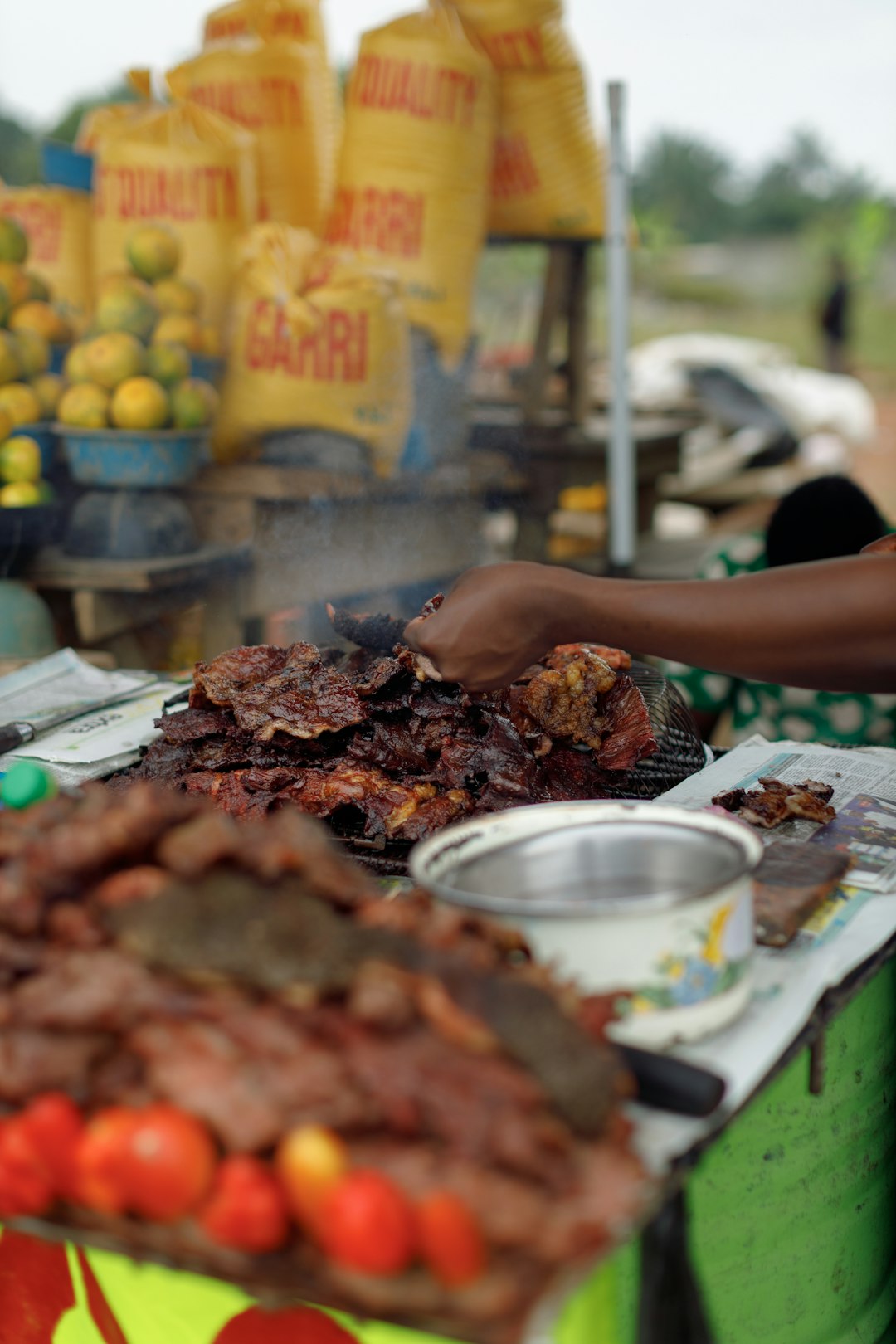

A tailor in Surulere is found by customers searching for "tailor near me" on Google Maps. A generator repair technician in Benin City picks up three calls in one afternoon from Google Search, without spending a naira on ads. Neither business paid for that visibility. They set up their Google Business Profile properly and let it work.
If your business is not on Google Maps yet, you are handing those customers to a competitor who took twenty minutes to do this. Here is exactly how to set it up in 2026, including the verification step that trips up most Nigerian business owners.
Google will ask for specific details during setup. Have these ready so you are not stopping halfway through.
Go to google.com/business and sign in with a Google account. Your business will keep long term. Do not use a personal email that you might lose access to later.
Enter your business name exactly as it appears in real life. Adding extra words like "Best Plumber Lagos" to try to game search rankings violates Google's rules, and it can get your listing suspended before it even goes live.
Choose your primary category carefully. Pick the option that best completes the sentence "this business is a," not "this business has a." A hair salon should pick "hair salon," not "beauty product retailer," even if it sells products too. You can add secondary categories afterward for anything else you offer.
If customers visit you at a physical address, enter it exactly as it would appear on an envelope, including your state, whether that is Edo State, Lagos State, or wherever you operate.
If you deliver goods or provide services at your customers' locations, such as a plumber, event planner, or mobile hairdresser, choose the service area option instead. You will define the towns or areas you cover rather than a fixed address. Do not list a home address publicly if customers never actually visit you there.
Your phone number should be one your business actually answers, not a personal line that changes often. Add your website if you have one. If you do not, you can still create the profile and add a website later.
Set your operating hours accurately. If you are closed on Sundays, say so. Nothing frustrates a customer more than driving down to a shop that Google says is open when it is not.
You get 750 characters to describe what you do, who you serve, and what sets you apart. Write it the way a real customer would search, not in vague corporate language.
A caterer in Benin City should mention the kind of events they cover and the areas they serve, not phrases like "quality service guaranteed." Avoid stuffing keywords unnaturally into the description. Google's systems and real customers both notice when a description reads like it was written for a search engine instead of a person.
This is where most Nigerian business owners get stuck, and it deserves its own attention.
Video verification has become the default method Google uses for most new listings in Nigeria, especially for location-based businesses. Phone, email, and postcard verification still exist, but fewer businesses qualify for them than a few years ago.
Google's reviewers are checking your video for your business location, meaning exterior signage, your street, or the surrounding area. They also want to see your operations, such as equipment, inventory, or staff actively working, along with something that ties your identity to the business, like a registration certificate, an invoice, or branded material.
Record the video during business hours when your shop is open and active. An empty, locked-up space is harder for Google's reviewers to approve confidently. Keep it short, ideally under three minutes, and avoid capturing faces or sensitive documents unnecessarily.
If your video gets rejected, do not panic. Google will tell you what was missing, and you can resubmit. Most rejections happen because a required proof point, like clear signage or visible activity, was missing from the frame.
Video verification can take a few business days to process. Once approved, your listing goes live on Google Search and Google Maps immediately.
From there, your work is not finished. An unoptimized profile with the bare minimum of information will not outrank a competitor who filled in every section, added real photos, and started collecting reviews. Setup gets you listed. Optimization gets you found.
A few mistakes come up again and again among Nigerian business owners setting up their first profile. Listing a home address publicly when customers never visit is one. Choosing a vague or incorrect category is another, since it directly affects which searches your business shows up in.
Businesses that skip verification entirely also lose out because unverified listings barely show up in Search or Maps at all. Getting this right the first time saves you weeks of back-and-forth with Google's support system.
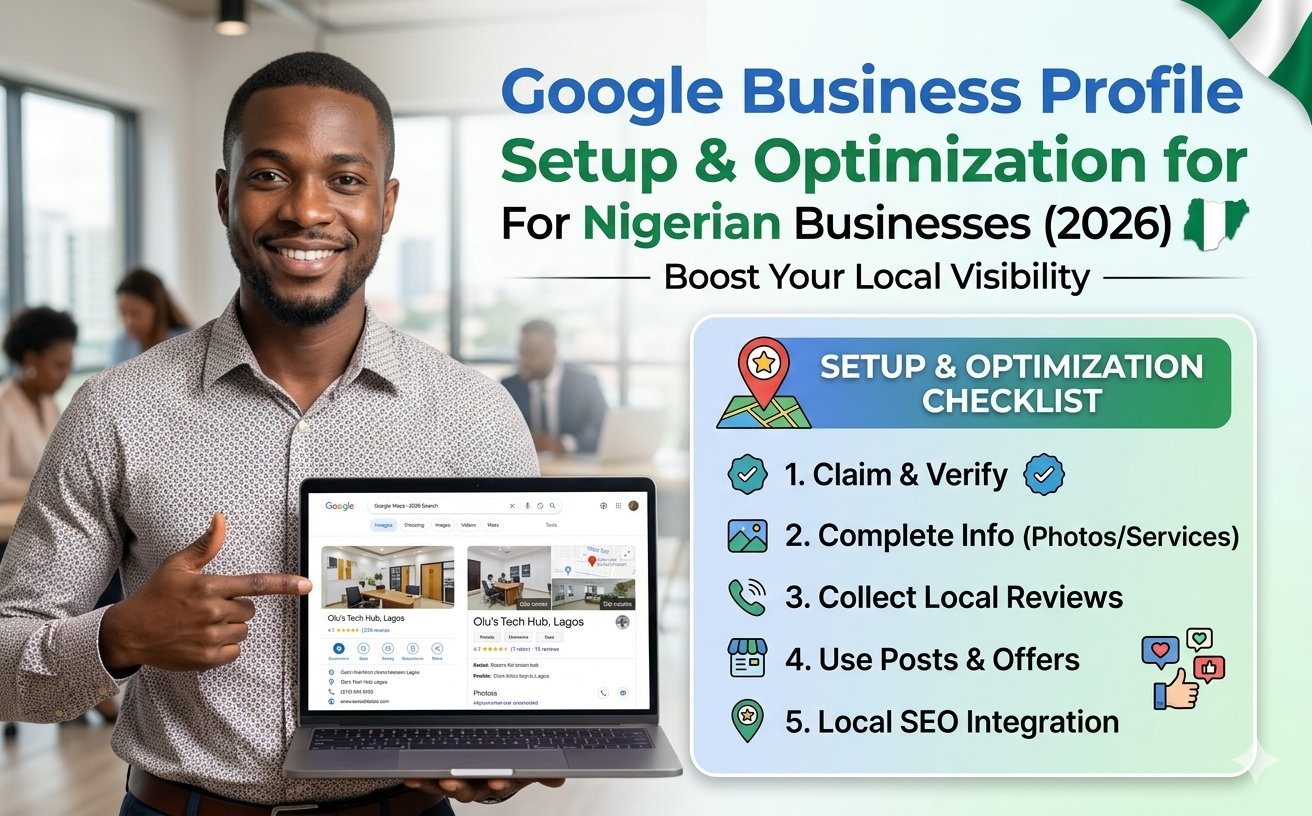
Setting up a Google Business Profile correctly is not complicated, but it is easy to get one detail wrong and end up invisible, or worse, suspended. Helpblogger handles the full setup and optimization for a fixed ₦30,000, delivered in 7 days, covering category selection, local keyword targeting, and everything Google needs to get your business showing up on Search and Maps.
See what's included in the GBP setup service.
Meta: Learn how to create and verify a Google Business Profile for your Nigerian business in 2026, step by step, including video verification tips.


Explore our services and get started today.
Browse Services